
5 Awesome SilverBullet Alternatives
 Yulei Chen
SilverBullet is an open-source, self-hosted personal knowledge management system built on Markdown and powered by Lua scripting. It runs as a Progressive Web App, so you can access your notes from any device and even work offline. SilverBullet is completely free with no cloud-hosted option, which means you need to run it on your own server. You can self-host SilverBullet on Sliplane for just €9/month with a one-click deploy, no server management needed. Check out our easy deploy guide to get started in minutes.
But maybe SilverBullet isn't quite the right fit for your workflow. Maybe you want a desktop-first experience, an outliner-based approach, or a tool with a built-in whiteboard. Let's look at 5 awesome alternatives!
1. Obsidian
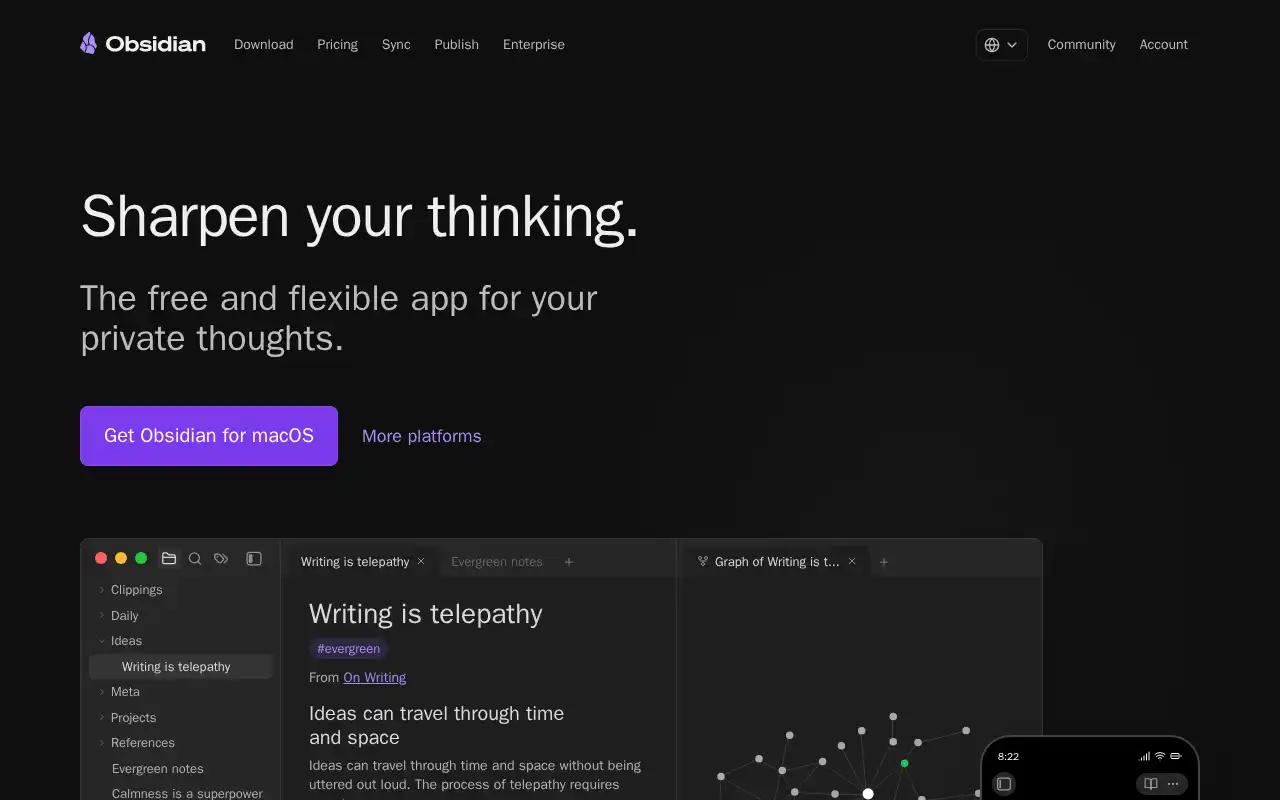
Obsidian is the most popular Markdown-based knowledge management tool, with a massive plugin ecosystem and a thriving community. Unlike SilverBullet's web-based approach, Obsidian is a desktop-first app that stores your notes as plain Markdown files on your local filesystem. It supports bidirectional linking, graph views, Canvas for visual thinking, and a powerful plugin marketplace with thousands of community extensions.
- Features: Local-first Markdown editing, bidirectional links, graph view, Canvas infinite whiteboard, community plugin marketplace (2,000+ plugins), themes, daily notes, templates, full-text search, and mobile apps for iOS and Android.
- Why You Should Use It: If you want the largest ecosystem of plugins and themes for a Markdown note-taking app, Obsidian is hard to beat. The community is enormous, and you can customize it for almost any workflow. The local-first approach means your notes are just files on disk, so you always have full control.
- Why Not: Obsidian is not open source and cannot be self-hosted as a web app. If you want browser-based access from any device without installing an app, SilverBullet's PWA approach is more flexible. Obsidian Sync is a paid add-on, and syncing via third-party tools (iCloud, Syncthing) can be unreliable.
- Pricing: The core app is completely free for personal and commercial use. Obsidian Sync costs $4/month (annual) or $5/month for cross-device syncing. Obsidian Publish costs $8/month (annual) or $10/month to turn notes into a website. Students and nonprofits get 40% off.
2. Logseq
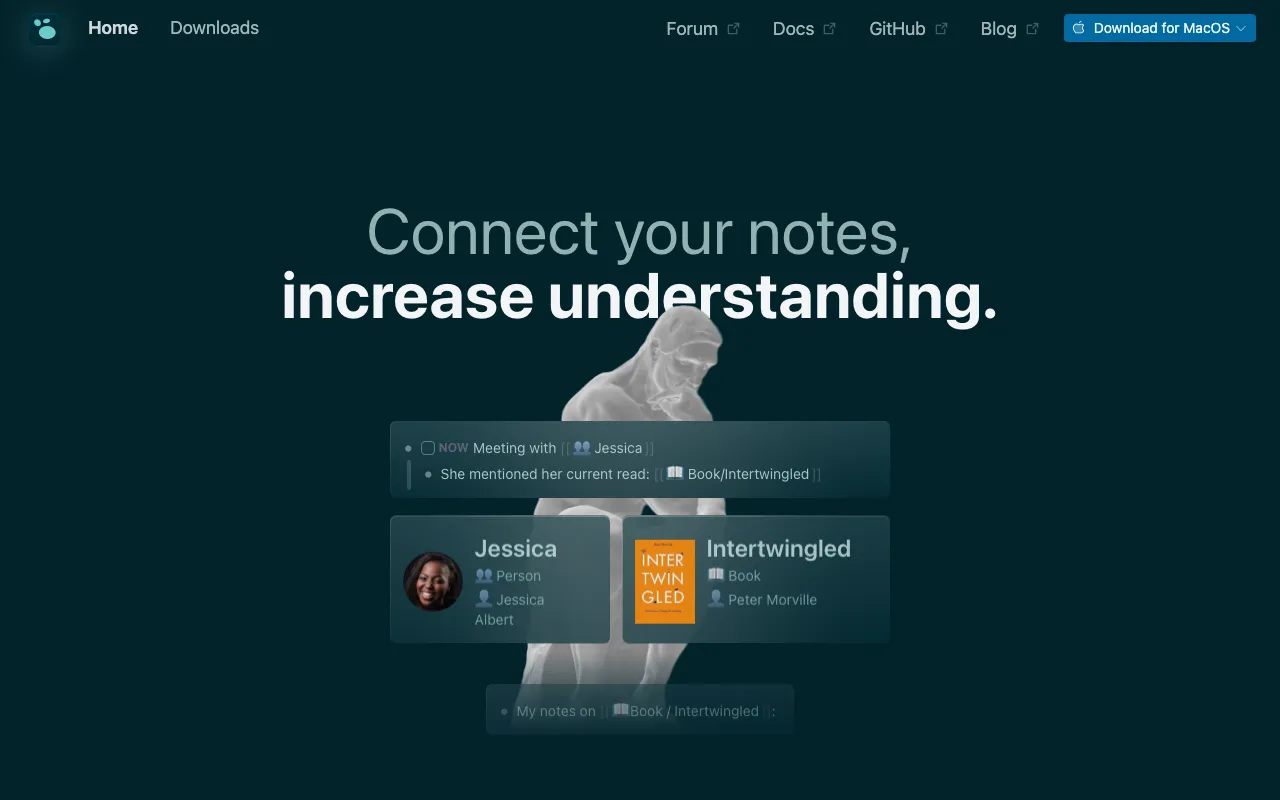
Logseq is a privacy-first, open-source knowledge base that takes an outliner-based approach to note-taking. Where SilverBullet uses traditional documents with Lua scripting, Logseq structures everything as bullet-point outlines with block-level references. It supports both Markdown and Org-mode formats and stores notes as plain text files locally.
- Features: Outliner-based editing, block references, bidirectional links, graph view, daily journals, queries and advanced filters, PDF annotation, flashcards (spaced repetition), Zotero integration, whiteboard mode, and plugin support.
- Why You Should Use It: If you think in outlines and want powerful block-level referencing, Logseq is the closest open-source match to Roam Research. The daily journal workflow is excellent for capturing thoughts throughout the day, and the built-in flashcard system is great for learning. Being fully open source (AGPL), you own every part of the stack.
- Why Not: The outliner paradigm takes getting used to if you prefer long-form writing. Logseq's mobile apps exist but are less polished than Obsidian's. The plugin ecosystem is smaller, and the database-backed version is still in active development. It is not a web app you can self-host like SilverBullet.
- Pricing: Logseq is completely free and open source. An official Logseq Sync service is available for ~$5/month to sync graphs across devices with end-to-end encryption. A paid Logseq Pro tier with real-time collaboration is in development.
3. AFFiNE
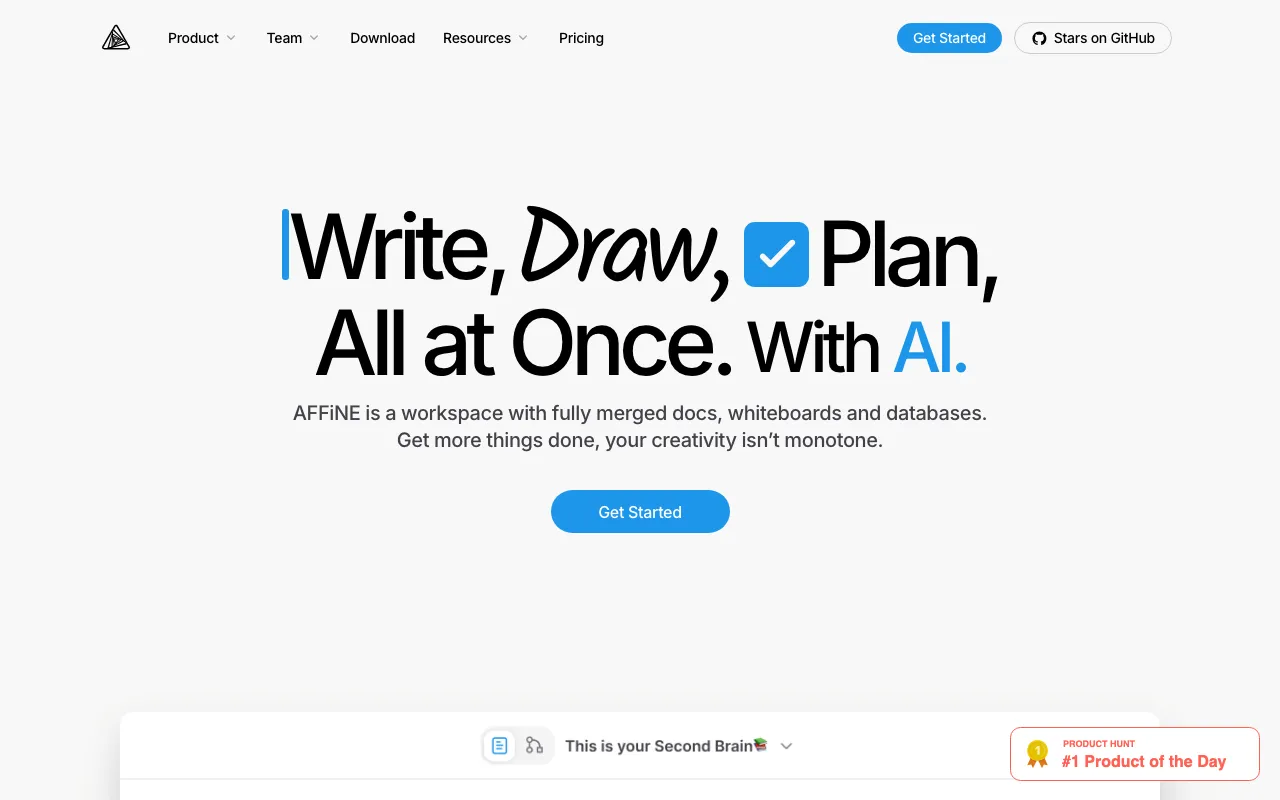
AFFiNE is an open-source workspace that combines documents, whiteboards, and databases into one app. Think of it as an open-source Notion with a built-in drawing canvas. Unlike SilverBullet's plain Markdown approach, AFFiNE uses a block-based editor with rich media support and a local-first architecture that syncs across devices.
- Features: Block-based editor, infinite whiteboard canvas, Kanban boards, database views, AI-powered writing assistant, real-time collaboration, offline support, dark mode, PDF and Markdown export, and self-hosting via Docker.
- Why You Should Use It: If you want a Notion-like experience with whiteboard capabilities and the ability to self-host, AFFiNE is the most feature-rich option. The local-first design means your data lives on your device first and syncs to the cloud only when you want it to. The whiteboard integration lets you sketch ideas and link them directly to your documents.
- Why Not: AFFiNE does not use plain Markdown for storage, so your notes are less portable than SilverBullet's or Obsidian's. The self-hosted version currently limits collaboration to 3 users on the free plan. The app is still maturing fast, so expect occasional rough edges.
- Pricing: Free plan with unlimited local workspaces. Pro at $6.75/month for cloud sync and higher storage. Team at $10/seat/month. Self-hosting is free under the MIT license, though collaboration features are limited on the free tier.
4. TriliumNext Notes
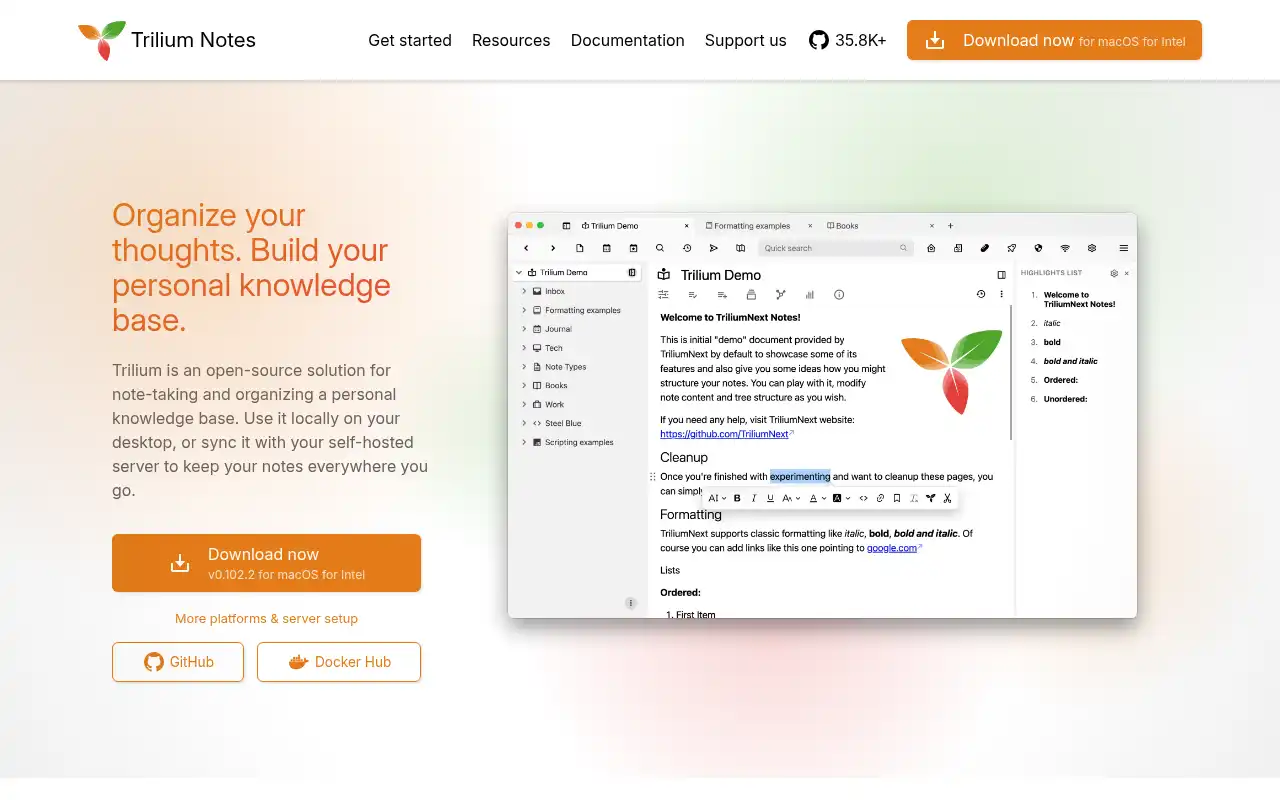
TriliumNext Notes is the community-driven fork of the original Trilium Notes, a self-hosted hierarchical note-taking application designed for building large personal knowledge bases. Like SilverBullet, it runs as a web app you can access from any device, but it uses a rich WYSIWYG editor with a tree-based structure instead of plain Markdown files.
- Features: Hierarchical note tree with cloning (one note in multiple places), WYSIWYG editor with Markdown shortcuts, note encryption, relation maps, web clipper, scripting API, calendar and Kanban views, built-in backup system, and sync between desktop and server instances.
- Why You Should Use It: If you want a self-hosted web app like SilverBullet but prefer a hierarchical tree structure over flat Markdown files, TriliumNext is an excellent choice. The note cloning feature is unique and powerful for organizing information in multiple contexts. It handles databases of 100,000+ notes efficiently, and everything is stored in a single SQLite file for easy backups.
- Why Not: The UI is functional but less modern than AFFiNE or Obsidian. Notes are stored in SQLite rather than plain text files, so you lose the simplicity of "just Markdown files on disk." There is no official mobile app (though a PWA and community Android app exist). The learning curve for advanced features like scripting and relation maps is steeper.
- Pricing: Completely free and open source (AGPL). No paid plans or premium features. Third-party hosted instances are available starting at ~$3.50/month via trilium.cc if you prefer not to self-host.
5. Anytype
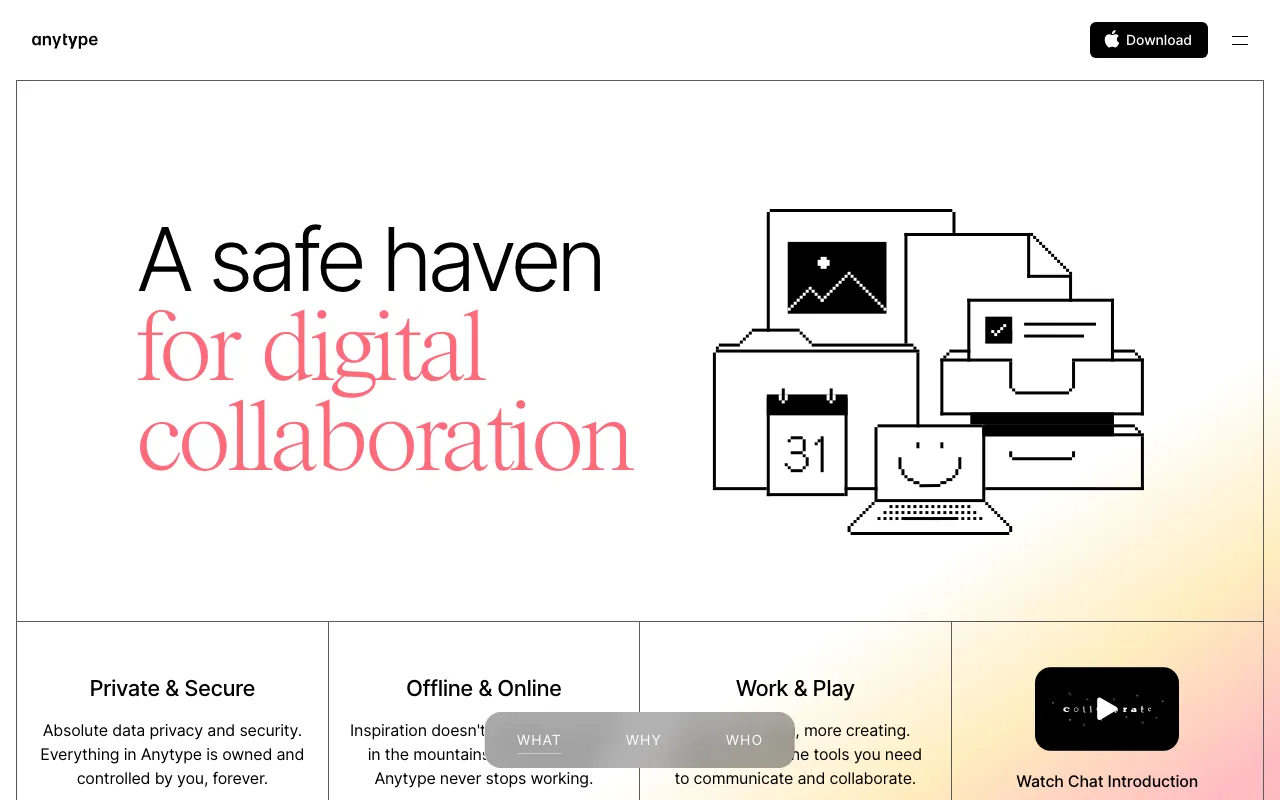
Anytype is a local-first, end-to-end encrypted knowledge management app that takes a unique object-oriented approach to organizing information. Instead of documents or outlines, everything in Anytype is an "object" with a type (note, task, bookmark, person, etc.) and relations that connect objects together. It offers a privacy-focused alternative with peer-to-peer sync and no central server.
- Features: Object-oriented data model, end-to-end encryption, peer-to-peer sync (no central server), graph view, sets and collections (like database views), custom types and relations, templates, inline linking, widgets, and native apps for desktop, iOS, and Android.
- Why You Should Use It: If privacy is your top priority, Anytype's end-to-end encryption and peer-to-peer architecture mean your data never passes through a central server. The object-oriented model is more powerful than flat Markdown for structured information like CRM contacts, project tracking, or recipe collections. Native apps on all platforms provide a polished experience.
- Why Not: Anytype does not use plain Markdown for storage, so exporting and portability are limited compared to SilverBullet. The object-oriented model has a steeper learning curve if you just want simple note-taking. It cannot be self-hosted in the traditional Docker sense since it uses peer-to-peer sync. The free plan is limited to 1 GB of network storage.
- Pricing: Free plan with 1 GB storage, 3 shared spaces, and 3 members per space. Builder plan at $99/year (128 GB, 10 editors per space). Co-Creator at $299/year (256 GB). Business plans with custom pricing available on request. Students and educators get 50% off.
Conclusion
| Tool | Best For | Ease of Setup | Focus | Cloud Pricing |
|---|---|---|---|---|
| SilverBullet | Self-hosted Markdown PKM | Easy (Docker) | Web-based, Lua-extensible | Free (self-host only) |
| Obsidian | Plugin-heavy workflows | Very Easy | Desktop-first Markdown | Free app, Sync $4-5/mo |
| Logseq | Outliner and daily journals | Easy | Block-based, open source | Free, Sync ~$5/mo |
| AFFiNE | All-in-one workspace | Moderate | Docs + whiteboard + DB | Free, Pro $6.75/mo |
| TriliumNext | Large hierarchical knowledge bases | Moderate | Self-hosted tree structure | Free (open source) |
| Anytype | Privacy-first, structured data | Easy | E2E encrypted, P2P sync | Free (1 GB), $99/yr |
Each tool fills a different niche: Obsidian for the biggest plugin ecosystem and desktop experience, Logseq for outliner-based thinking and daily journals, AFFiNE for Notion-like docs with a whiteboard, TriliumNext for deep hierarchical organization, and Anytype for privacy-first encrypted knowledge management.
SilverBullet remains a fantastic choice if you want a self-hosted, web-based PKM system built on plain Markdown with the power of Lua scripting. But if your needs lean more toward a desktop app, an outliner workflow, or an all-in-one workspace, one of these alternatives might be a better fit.
If you're interested in self-hosting your note-taking setup, check out these related posts:
- Self-hosting SilverBullet the easy way - deploy SilverBullet in minutes with a one-click preset
- 5 Awesome AppFlowy Alternatives - more open-source productivity tools compared